
How do I review a business?
You can click a link in a business listing to add a review for that business
- Click on a business listing in our directory that you would like to review.
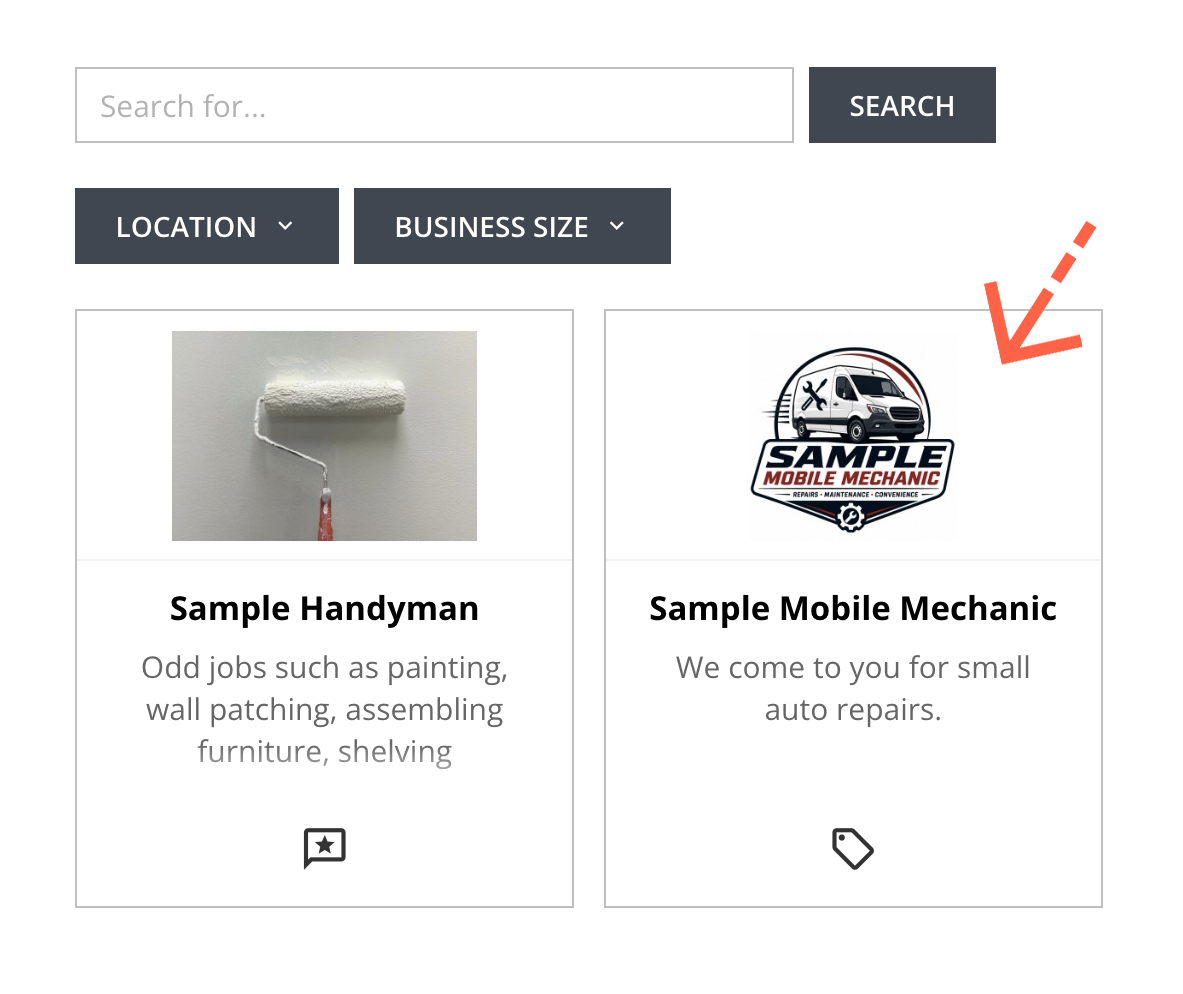
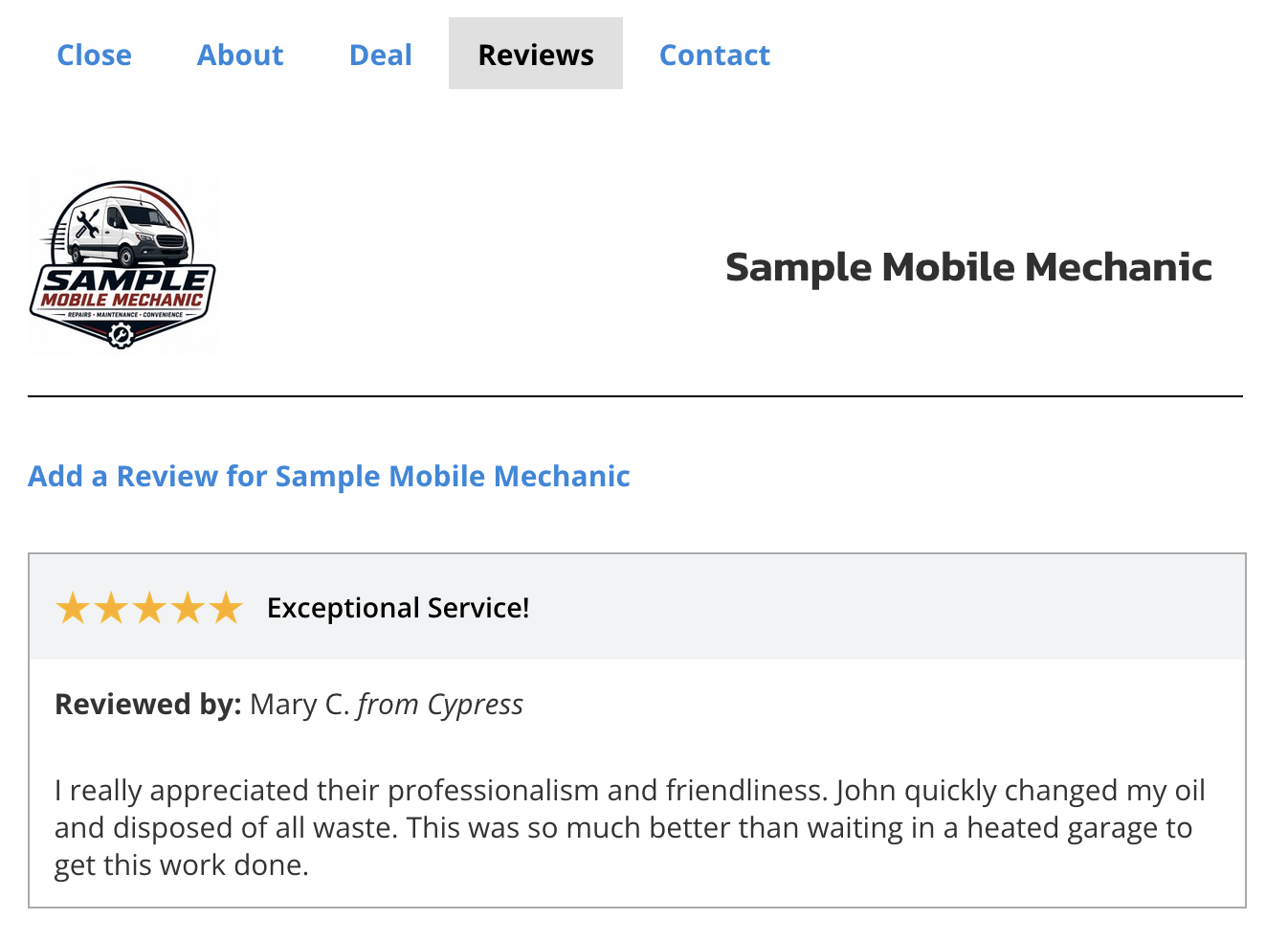
- Click the Reviews tab.
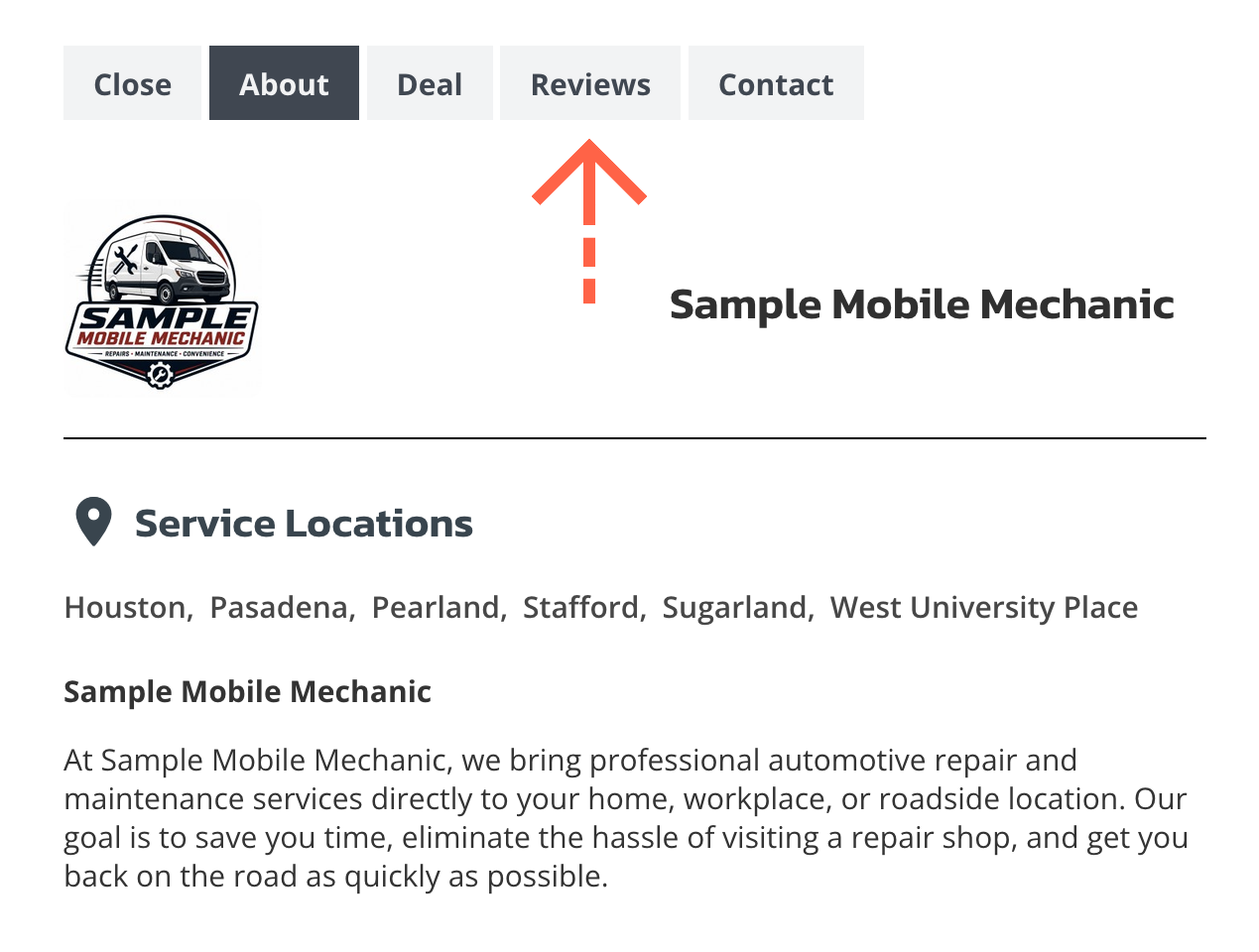
- Click the Add a Review link below the business listing’s logo or photo.
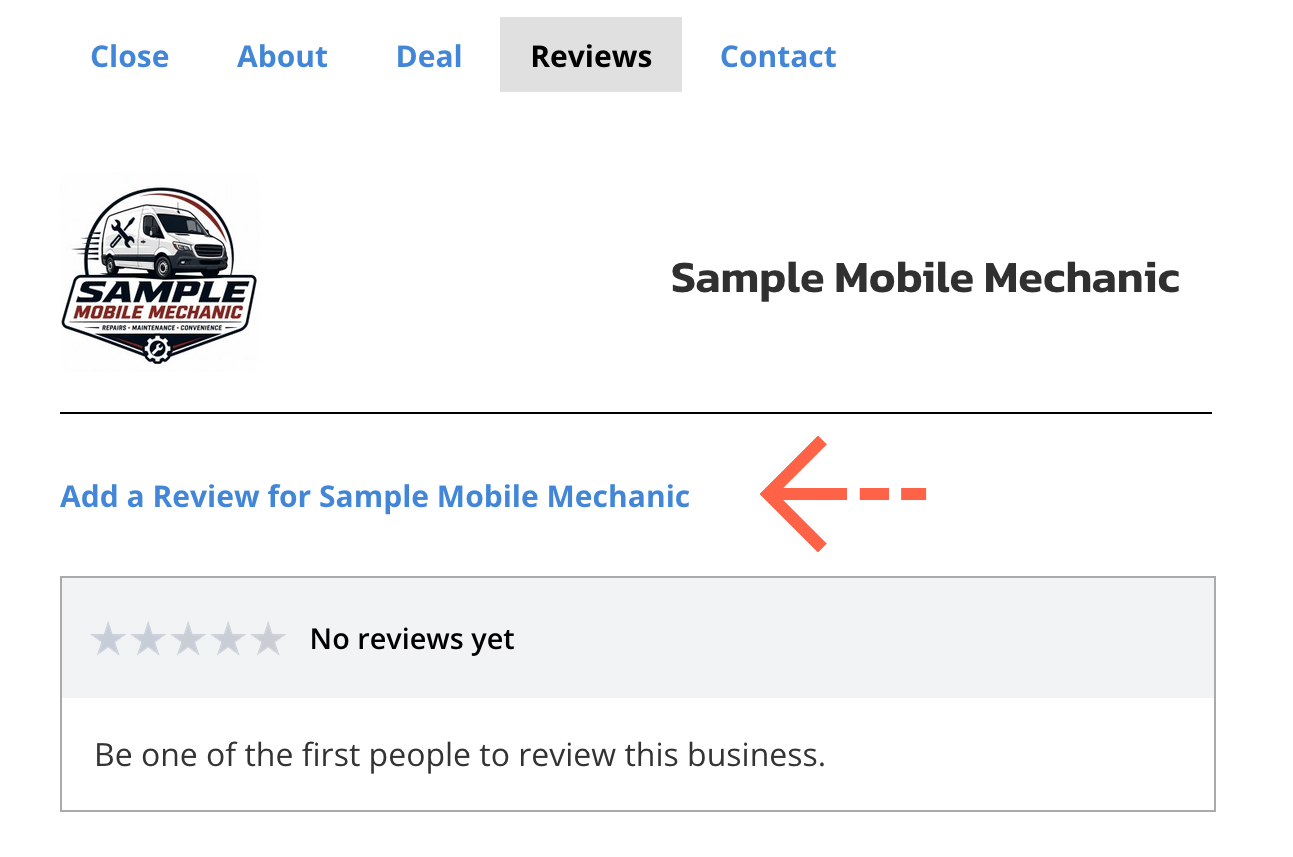
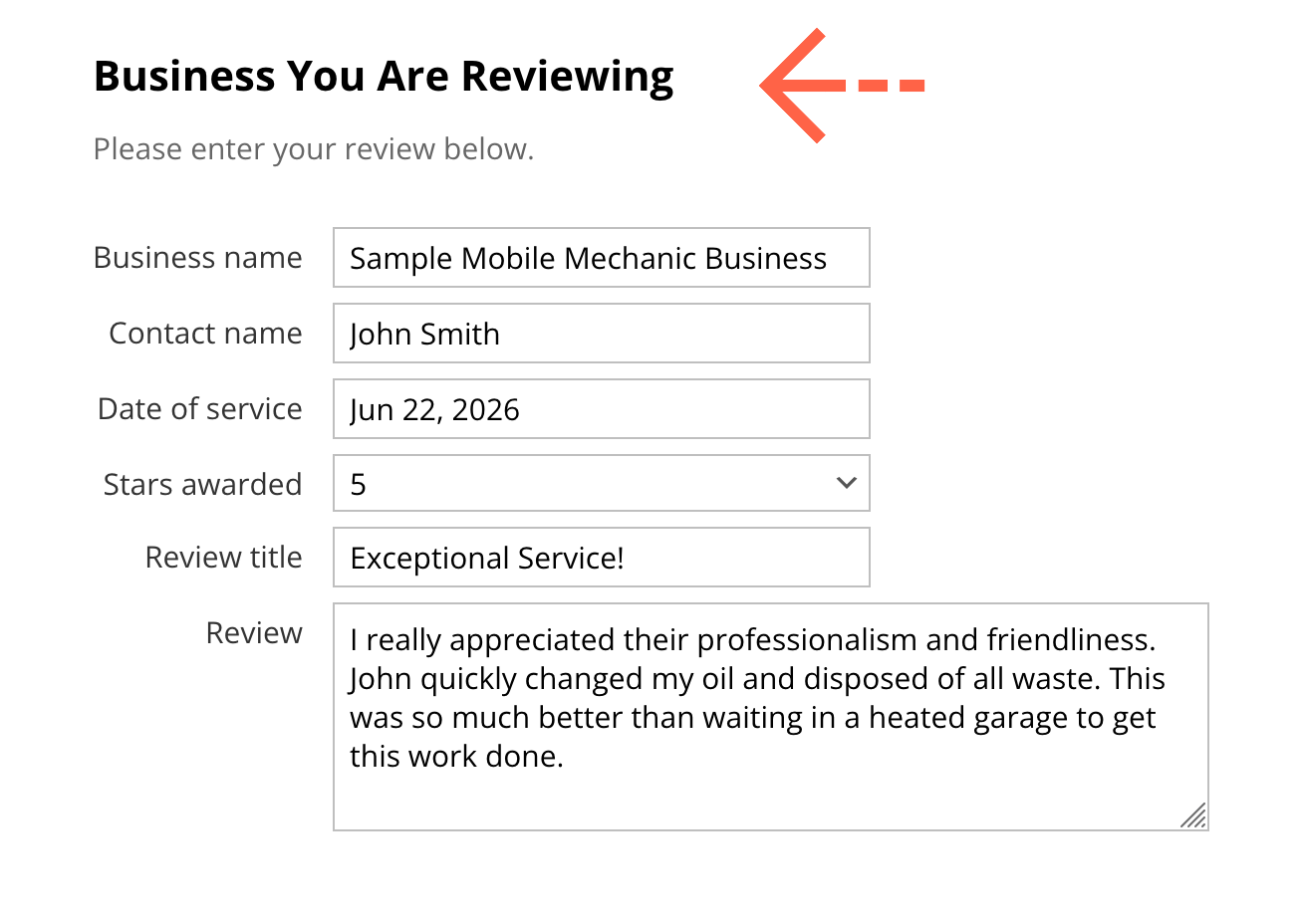
- Under Business You Are Reviewing, enter the business details for the business you are reviewing and your review.
- Under Your Information, enter your full name and contact information. We will only display your first name, last initial and location in the review but need your full name and contact information in case your review is disputed and we need to contact you for verification.
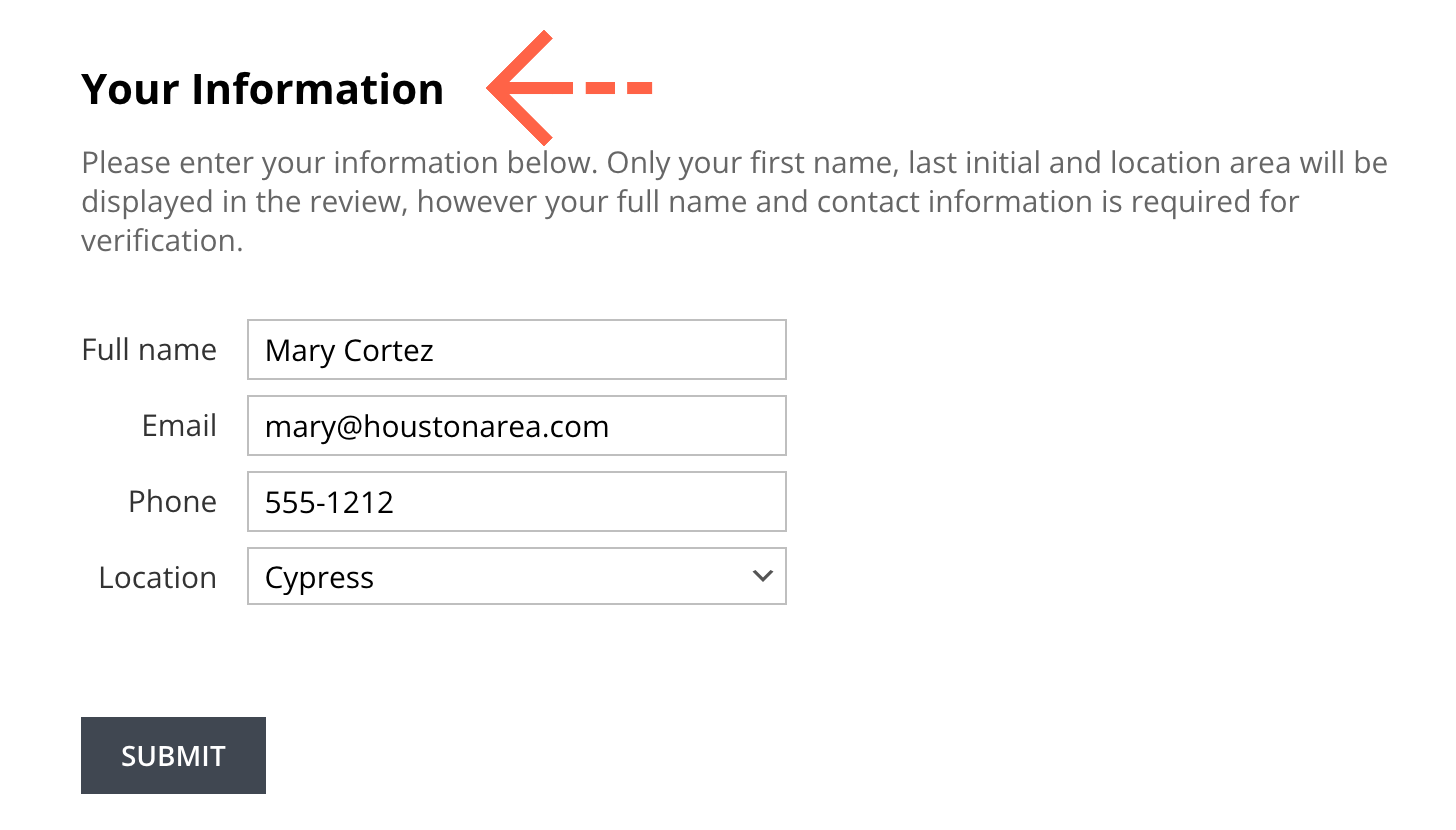
- Click the Submit button at the bottom of the form to submit your review. You will receive an email notification that your review has been submitted.
- We will notify you by email when your review has been posted.
How do I review a business?
You can click a link in a business listing to add a review for that business
- Click on a business listing in our directory that you would like to review.
- Click the Reviews tab.
- Click the Add a Review link below the business listing’s logo or photo.
- Under Business You Are Reviewing, enter the business details for the business you are reviewing and your review.
- Under Your Information, enter your full name and contact information. We will only display your first name, last initial and location in the review but need your full name and contact information in case your review is disputed and we need to contact you for verification.
- Click the Submit button at the bottom of the form to submit your review. You will receive an email notification that your review has been submitted.
- We will notify you by email when your review has been posted.